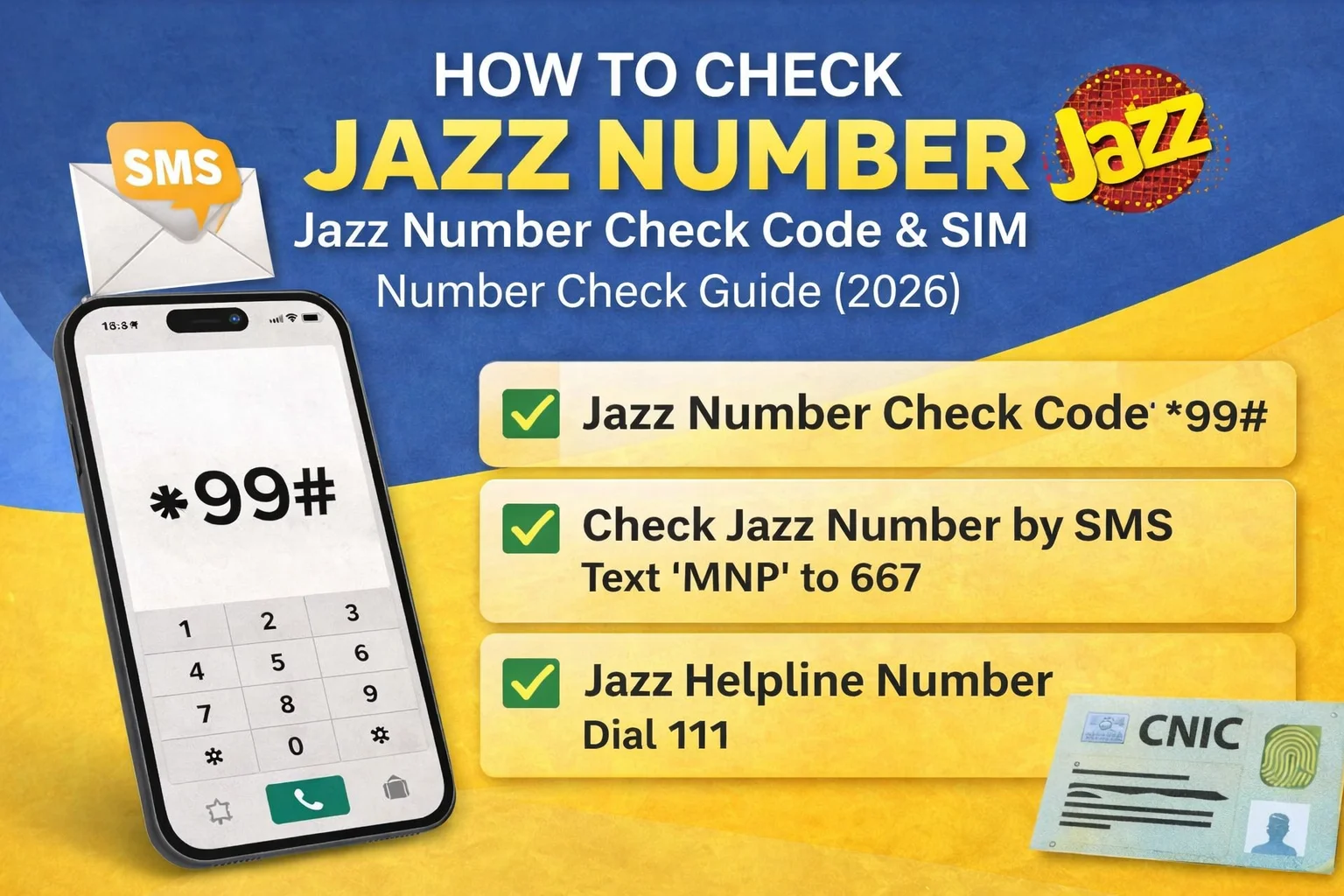
How to Check Jazz Number quickly using the latest Jazz number check code, Jazz SIM number check methods, and USSD code guide. Learn how to check Jazz SIM number instantly without balance using official Jazz services.
If you recently bought a new SIM or forgot your mobile number, you can easily find it using the official Jazz number check code. Many users search terms like how to check Jazz number, Jazz SIM number check, or code to check Jazz number, especially when activating a new SIM or switching devices.
Luckily, Jazz provides multiple easy and secure ways to check your number instantly using USSD codes, SMS, or customer support services.
How to Check Jazz Number Code
The easiest and fastest way to check your number is through the official USSD method.
Steps to Check Jazz Number
- Open your mobile dialer.
- Dial *99# from your Jazz SIM.
- Wait a few seconds.
- Your Jazz number will appear on the screen automatically.
This method is free of cost and works on all mobile phones.

Jazz Number Check via SMS
Another simple method for Jazz SIM number check is through SMS.
Follow these steps:
- Open the Messages app.
- Type MNP.
- Send it to 667.
- You will receive a reply containing your Jazz number and SIM details.
Standard SMS charges may apply for this service.
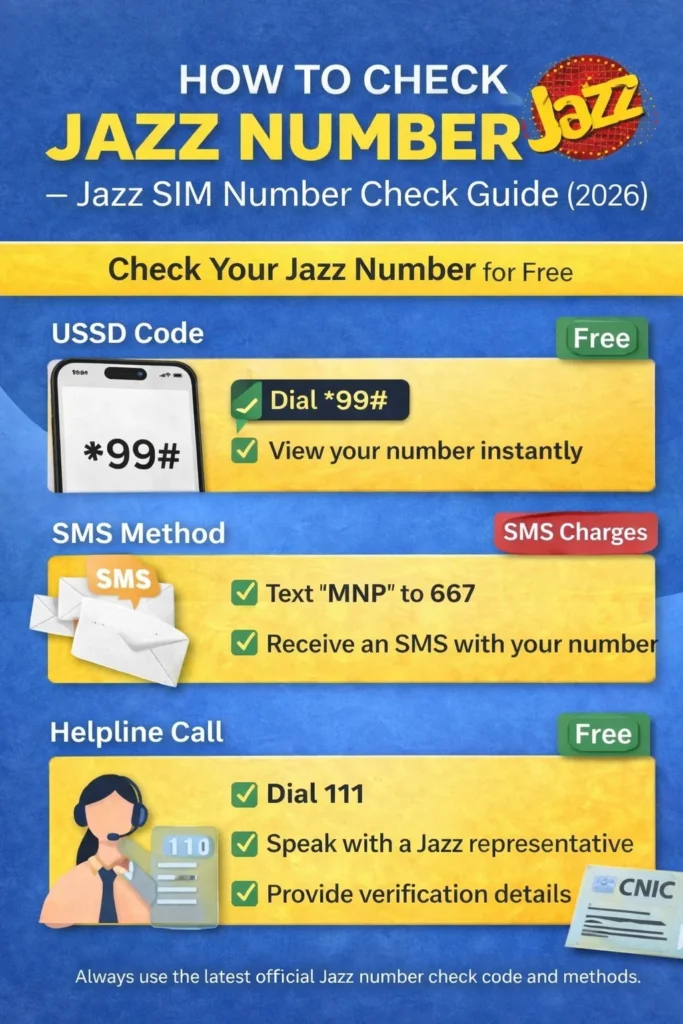
How to Check Jazz SIM Number Using Helpline
If you cannot use codes or SMS, you can contact Jazz customer support.
Steps:
- Dial 111 from your Jazz SIM.
- Follow the automated instructions.
- Connect with a Jazz representative.
- Provide verification details such as:
- Your name
- CNIC number
- SIM information
After verification, the representative will provide your Jazz number.
Jazz Number Check Online (SIM Verification)
Users also search for Jazz number check online or SIM ownership verification. Jazz allows SIM verification through official channels to ensure security.

You may need:
- CNIC number
- Registered SIM details
Always make sure your SIM is registered under your own CNIC to avoid misuse.
How to Check Jazz SIM Number by CNIC
If you want to know how many numbers are registered against your ID:
- Visit the official PTA SIM information system.
- Enter your CNIC number.
- Submit the request.
- View registered SIM count linked with your CNIC.
This helps users manage SIM ownership safely.
Jazz Balance Check Code
Besides number checking, many users also look for balance inquiry.
Jazz Balance Check Code:
Dial *111#

Your remaining balance will appear instantly on screen.
Jazz Helpline H3 Number
If you need further assistance:
- Jazz Helpline Number: 111
- Available for complaints, SIM verification, and account support.
Important Safety Tips
- Always use a SIM registered on your own CNIC.
- Never share verification codes with unknown people.
- Save your number after checking to avoid future issues.
Frequently Asked Questions (FAQs)
What is the Jazz number check code?
Dial *99# to instantly check your Jazz number for free.

How to check my Jazz number without balance?
Use the USSD code *99# — it works even without mobile balance.
Can I check Jazz SIM number through SMS?
Yes, send MNP to 667 to receive your number details.
How to check Jazz SIM number on CNIC?
Use PTA SIM information service to view numbers registered against your CNIC.
Conclusion
Checking your number is simple using the official Jazz number check code or SMS method. Whether you want to know how to check Jazz SIM number, verify ownership, or contact support, Jazz provides multiple quick and secure options. Using these methods ensures you always have access to your mobile details whenever needed.
